How to Track WhatsApp Enquiries From Ads in the UK
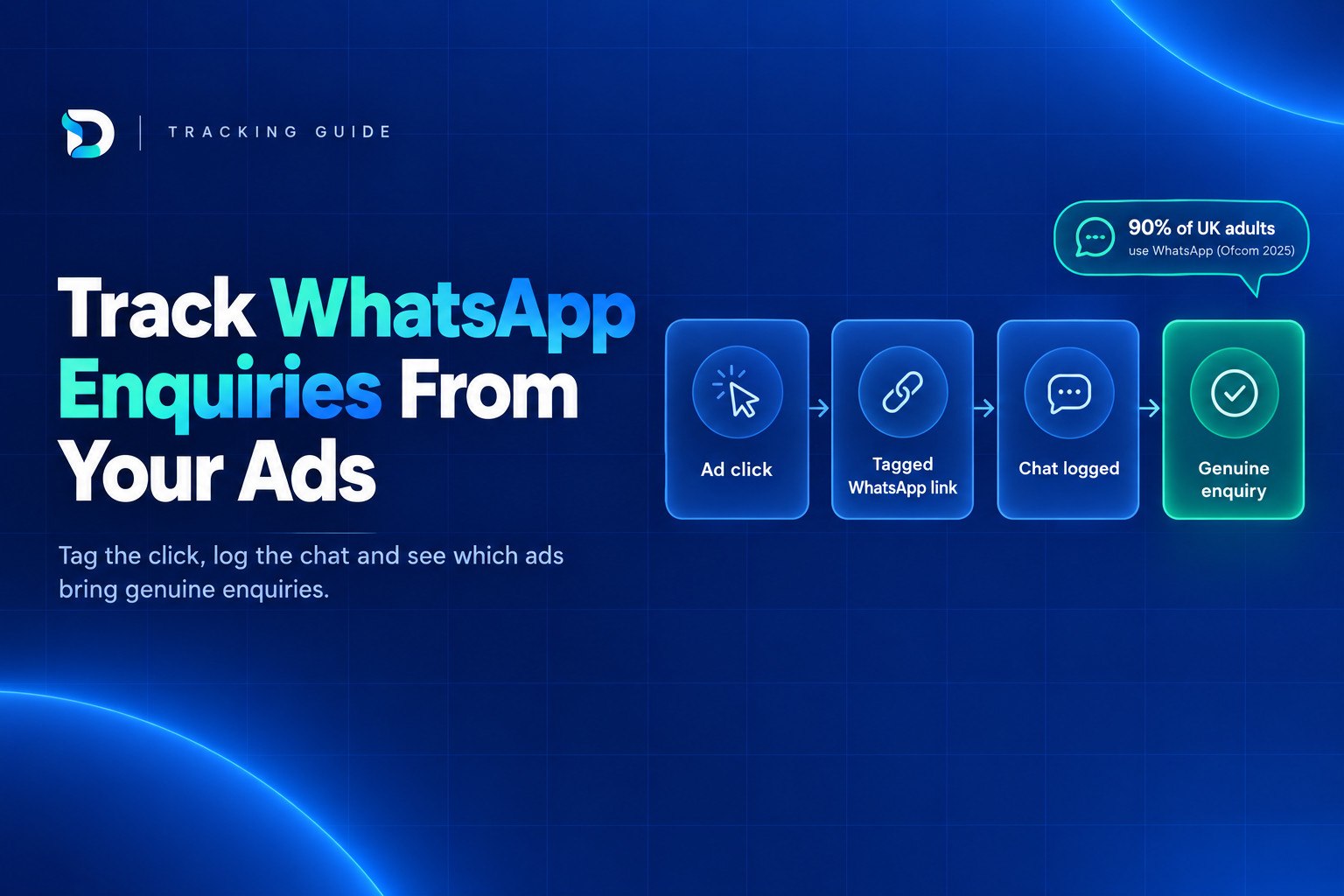
Chats that open in the WhatsApp app lose their source, so to track WhatsApp enquiries from ads you need three layers: tag the click, give each channel its own pre-filled opening message, and log every chat as a genuine enquiry or not. A button click is not an enquiry, and a chat started is not necessarily one either.
This guide is written for UK service businesses such as trades, clinics, salons, solicitors and cleaners. It shows how to work out which ad or channel brought each chat using tools you probably already have.
The short answer: how to track WhatsApp enquiries from ads
WhatsApp hides the source once the conversation moves into the app. Fix that in three layers:
- Tag the click. Add UTM parameters to the links that lead to your site, and record the WhatsApp button click as an event in GA4.
- Use a different opening message for each source. A pre-filled message such as "Hi, I found you on Google about a boiler service" tells you where the chat came from even if tracking is blocked.
- Log every chat. Record the source, whether it was genuine, and whether it became a job.
Only the third layer tells you which marketing brings genuine enquiries. The first two tell you where to look.
Why WhatsApp enquiries from ads show up as direct or unknown
When someone taps your WhatsApp button, they leave your website. The conversation carries on in the app, where your analytics cannot follow it. You see a click at best, and no record of who the person was or what they wanted.
Many customers are comfortable messaging a business this way. Ofcom's Online Nation 2025 report found that 90% of UK online adults used WhatsApp in 2025, and on average 74% accessed it each day in May 2025, up from 64% the year before. Plenty of your customers would rather send a photo of the leak or the tooth than fill in a form.
The result is whatsapp enquiries from an unknown source. Chats pile up as "direct", "unassigned" or "I don't know where they came from". Google Ads, SEO and Meta then look weaker than they are, and the channel that happens to be easiest to measure gets the credit. If you already use call tracking, this is the same problem in a different app. Our guide to call tracking for service businesses covers the phone side.
Step 1: Tag every link that leads to WhatsApp
Google's guidance is that UTM campaign parameters on destination URLs let you see which campaigns refer traffic. The key rule is that if you set one parameter you should set all the relevant ones, especially utm_source, utm_medium and utm_campaign, because missing values show up as (not set) in reporting.
The UTMs go on the link that brings someone to your page, not on the WhatsApp link itself. GA4 then knows where the visitor came from when they tap the button. Tag these:
- The destination link on your Meta ads
- The website link on your Google Business Profile
- Links in emails, newsletters and social bios
- Links in any directory listing you control
Google Ads is different. Auto-tagging covers your Google Ads clicks, so UTMs are mainly for Meta, Business Profile and other links.
Agree a naming rule and stick to it: lowercase, no spaces, hyphens between words. "Facebook" and "facebook" are reported as different sources. Here is how it might look for three types of business:
| Business | utm_source | utm_medium | utm_campaign |
|---|---|---|---|
| Plumber | paid-social | boiler-service | |
| Clinic | business-profile | teeth-whitening | |
| Solicitor | newsletter | wills-and-probate |
Do not tag links between pages on your own site. It overwrites the real source with an internal one and makes the problem worse.
Step 2: Count the WhatsApp button as a GA4 key event, honestly
GA4's enhanced measurement may record some outbound clicks, but it will not label them as WhatsApp. Set up a specific click event on your WhatsApp button, usually through Google Tag Manager, then mark it as a key event in GA4.
Name it honestly. Call it whatsapp_button_click, not lead or enquiry. A click shows intent. It does not show that a message was sent, that the person wanted your service or that they live in your area.
You can import the key event into Google Ads, and it can be useful as a secondary signal. Keep it separate from your genuine enquiry count, though. If you optimise only for button clicks, you will get more clicks, not necessarily more customers. Our guide to Google Ads conversion tracking for service businesses explains how to separate the two.
One more point: depending on how your cookie consent is set up, a visitor who declines may not be tracked at all, so their click may not be recorded. Our guide to cookie consent and lead tracking explains the trade-offs. That is one reason the next step matters, because the opening message still works when tracking does not.
Step 3: Use a different opening message for each source
WhatsApp links can include pre-filled text. Each source gets its own link, and each link opens the chat with a different first message. Examples:
- Website button from Google Ads: "Hi, I found you on Google about a boiler service."
- Facebook ad: "Hi, I saw your Facebook ad about teeth whitening."
- Google Business Profile: "Hi, I found you on Google Maps."
The customer can edit the text, so treat it as a strong clue rather than proof. It gives you a likely source for most chats, even if cookies were declined or the visitor switched devices.
Add a backup. In your first reply, ask "Just so I can pass this to the right person, how did you find us?" It takes seconds and catches the people who rewrote the message.
Then use labels in the WhatsApp Business app, one per source: "Google ads", "Facebook ad", "Maps", "Referral", "Not sure". Label each chat as it arrives.
A worked example
Here is an illustrative month for a small business. The figures are made up to show the method, not real results.
| Source | Chats | Genuine | Quotes sent | Won |
|---|---|---|---|---|
| Google Ads | 8 | 5 | 4 | 2 |
| Facebook ad | 6 | 2 | 1 | 0 |
| Google Business Profile | 4 | 3 | 3 | 2 |
| Not sure | 2 | 1 | 1 | 0 |
| Total | 20 | 11 | 9 | 4 |
Twenty chats looks healthy. Eleven genuine enquiries and four jobs is the number that matters.
Click-to-WhatsApp ads: what Meta does and doesn't tell you
Click-to-WhatsApp ads open a chat straight from Facebook or Instagram, so the source is known from the start. Meta reports this as "messaging conversations started". Meta defines it as the number of times people started messaging your business after at least 7 days of inactivity, attributed to your ads.
Read that carefully. It counts chats, not genuine enquiries and not jobs. Someone who sent "price?" and vanished counts the same as someone who described a real job in your area. A person who messaged you in the last week from another source may not count as a new conversation at all.
There is also a limit specific to this region. Meta's help page states that certain messaging-related metrics, ad campaigns and organic messaging features for ads delivered to and from Europe and Japan will be unavailable. What you can see in Ads Manager can differ from US-based guides, so check which columns your own account shows rather than assuming.
The cheapest conversation is rarely the best lead. Using the example above, say Meta cost £300 and Google Ads cost £500 that month. Meta looks cheaper per chat (£50 against £62.50), but per genuine enquiry it is £150 against £100. If your results look like this, see our piece on poor quality leads from Facebook ads for what usually causes it and how to fix it.
Step 4: Log each chat and mark the genuine enquiries
This is the step that turns tracking into something you can act on. Once a week, take ten minutes and update a sheet or CRM with these columns:
- Date
- Source (from the label, opening message or your question)
- Service requested
- Genuine: yes or no
- Quote sent
- Job won
Define "genuine" before you start. A reasonable version is: the right service, in the right area, from a real person with working contact details and a realistic budget. Our guide on how to tell if your leads are genuine goes through this in more detail.
Then work out cost per genuine enquiry for each channel: spend on that channel divided by the genuine enquiries it produced. Do the same for cost per job won once you have enough data. Judge the channels on these numbers, not on clicks or chats.
It is easy to cut a channel that was producing much of your real work because the dashboard you were looking at could not see WhatsApp. Logging chats by hand fixes that.
If you do not want to stitch the data together by hand, a reporting view helps. Dashient's DRD brings Google Ads, Meta Ads, GA4, Search Console and Google Business Profile into one place and connects the data back to enquiries, so you can see which marketing brings genuine enquiries in one dashboard. It still relies on the same discipline: someone has to decide what counts as genuine.
Mistakes that make tracking WhatsApp enquiries from ads misleading
- Counting button clicks as leads. Clicks are intent, not enquiries.
- Using Traffic as the Meta objective. You get link clickers, not people who message you.
- Tagging internal links. It overwrites the real source.
- Inconsistent UTM capitalisation. "Facebook" and "facebook" split your data into two rows.
- Ignoring slow replies. A chat that goes unanswered for a day can easily go elsewhere, and you will blame the channel.
- Not sorting out consent where tracking cookies are used. Get your cookie banner and privacy notice right (see our cookie consent guide), and tell people how you use their chat details.
- Judging a channel after a week of data. Small numbers swing wildly. Give each channel a fair run before you decide.
A quick checklist before you rely on any numbers:
- Every link to your site is tagged with source, medium and campaign.
- The WhatsApp button fires a GA4 event named as a click, not a lead.
- Each source has its own pre-filled opening message.
- Every chat is labelled and logged weekly.
- "Genuine" has a written definition.
- Cost per genuine enquiry is worked out by channel.
Frequently asked questions
Next step: see your genuine enquiries in one place
Tagging links, writing different opening messages and logging chats will give you a clearer picture within a few weeks. If you would rather have the ad platform and analytics data in one view alongside your enquiries, DRD is available from £49/month with a 30-day free trial, and no card is needed. Start your free trial and see which marketing is bringing genuine enquiries.