How Do I Know If My Leads Are Genuine? A Practical Guide for UK Service Businesses
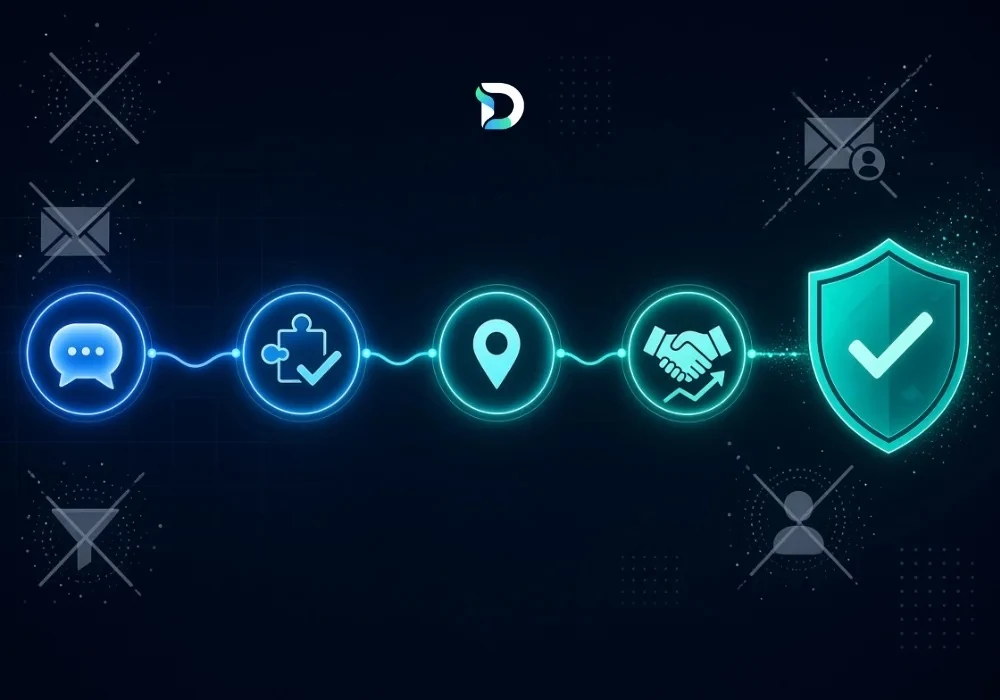
If you run a UK service business, you already know the feeling: your dashboard shows twenty new leads this month, but only two of them ever picked up the phone. So how do you know if your leads are genuine? The honest answer is that a genuine lead isn't just a form submission — it's an enquiry from someone with a real need, a real budget and a real reason to contact you. This guide breaks down exactly how to tell the difference, so you stop chasing spam and start focusing on enquiries that can actually become clients.
What Is a Genuine Lead?
A genuine lead is an enquiry from a real person who has a legitimate interest in your service. It's not the same as a qualified lead, and it's definitely not the same as a form submission. For example, someone who fills in "I need SEO help" with a working business email and a short note about their website is a genuine enquiry. Whether they go on to become a qualified lead depends on whether their need, location and budget actually fit what you offer.
Genuine Lead vs Qualified Lead: What's the Difference?
These two terms get mixed up constantly, and that mix-up is exactly why lead reporting confuses so many business owners. Remember this simple rule:
Form submission ≠ qualified lead ≠ customer
It helps to see the whole path laid out, because each stage means something different:
| Stage | What it means |
|---|---|
| Enquiry | Someone contacts your business — a form, a call, or a direction request. |
| Lead | You now have their contact details and some sign of interest. |
| Qualified lead | The lead matches your service, location and budget criteria. |
| Sales opportunity | A genuine, active conversation about your service is happening. |
| Client | The lead has converted into a paying customer. |
If you want the wider view of how to report on all of this cleanly, our guide to marketing reporting tools for UK agencies covers it in more depth.
7 Signs a Lead Is Probably Genuine
- Their contact details actually work (valid email, real phone number).
- The enquiry is specific, not generic copy-paste text.
- Their need clearly matches a service you offer.
- They're located inside your service area.
- They respond when you follow up.
- They mention a realistic timeline for starting.
- They ask about pricing, scope or next steps — a sign of real commercial intent.
Signs of a Spam or Low-Quality Lead
Not every lead that doesn't convert is fake; some are genuine but simply not the right fit yet. True warning signs include:
- Irrelevant or unrelated enquiries.
- Invalid or fake contact information.
- Generic, automated-sounding messages.
- Duplicate submissions from the same person.
- Enquiries clearly outside your service area.
- Guest-post pitches or sales calls disguised as customer enquiries.
How to Qualify a Lead in 4 Simple Steps
Once you know a lead is real, the next question is whether it's a fit. A simple qualification framework:
- Need — what service are they actually asking for?
- Fit — do you offer exactly that?
- Location — are they within your service area?
- Intent — are they comparing providers, or ready to talk price?
Why Lead Volume Can Be Misleading
More leads doesn't automatically mean more business. An agency generating 1,000 leads a month but converting only 20 clients isn't necessarily doing better than one generating 200 leads and converting 25. (Illustrative example only.) What matters is how many of those leads are genuine, how many qualify, and how many actually become paying customers — not the raw enquiry count sitting in your inbox.
How a Lead Attribution Dashboard Helps You Spot Genuine Leads
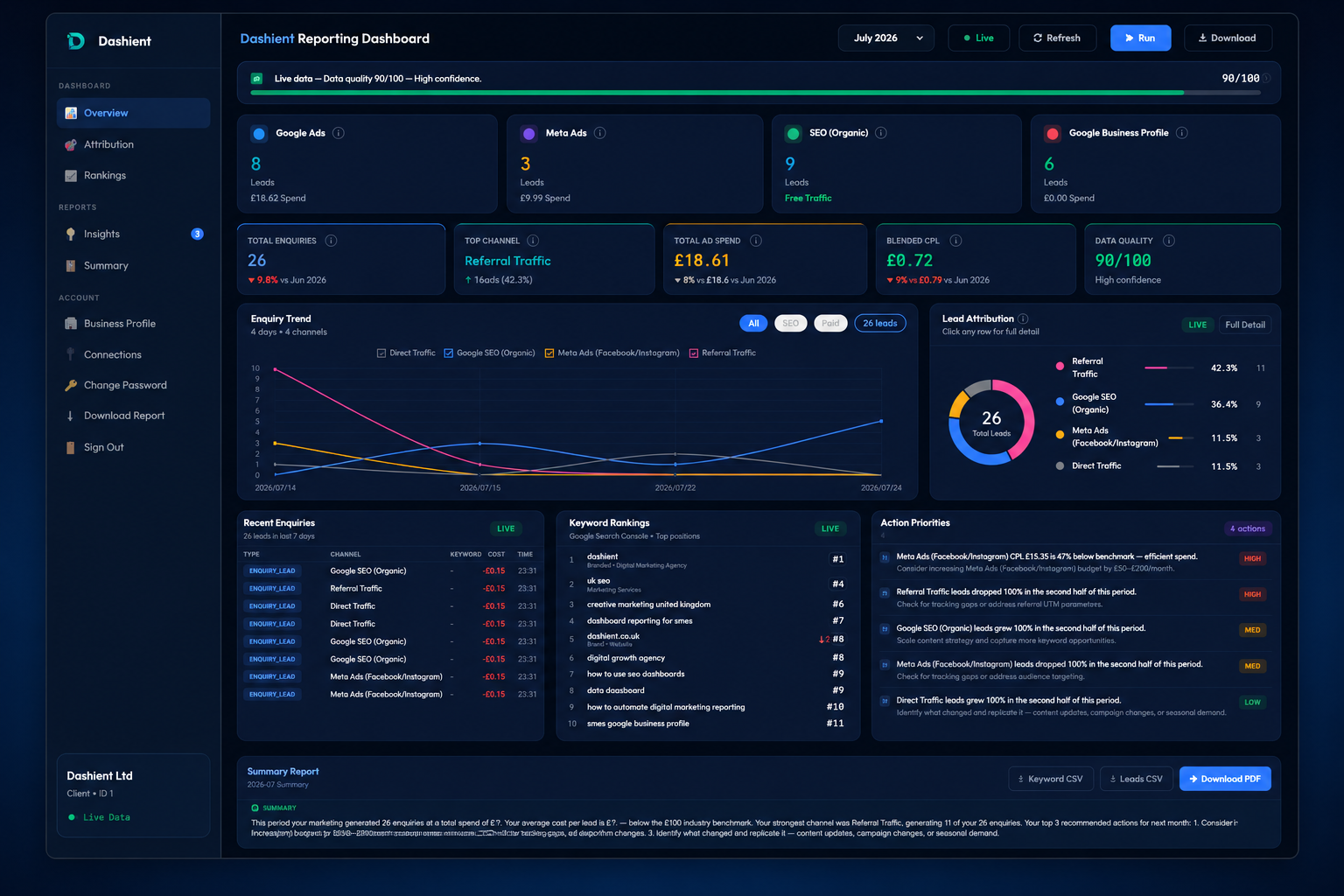
This is exactly the gap the Dashient Reporting Dashboard (DRD) was built to close. Instead of guessing which enquiries are real, DRD automatically classifies every form submission, click-to-call tap and direction request, filtering out spam and sales pitches so you only see genuine enquiries. It also shows exactly which channel — Google Ads, Meta Ads, organic SEO or your Google Business Profile — actually brought each one in, so you stop guessing and start acting on real numbers.
If you run your own marketing and just want clear, honest reporting, DRD is also available on its own through our self-serve dashboard plans, starting from £49/month with a 30-day free trial and genuine-lead classification built in from day one.
Want the full picture? Our SEO services — including dedicated local SEO — and our Google & Meta Ads management all feed straight into the same dashboard, so every lead, however it arrives, is tracked, classified and attributed correctly. You can see exactly how it works here.
Frequently asked questions
Final Thoughts
Knowing how to tell a genuine lead from a spam one is the difference between a marketing report that looks good and one that actually grows your business. Start by checking contact details, specificity and intent — then build a simple qualification process around need, fit, location and timeline. And if you want this done automatically, with every enquiry classified and attributed to the right channel, that's exactly what the Dashient Reporting Dashboard was built for.
Ready to see your real leads, by channel, in one place? Book Your Free Growth Audit with our team to talk it through. You can also follow Dashient on Facebook and LinkedIn.