Google Ads Conversion Tracking for Service Businesses: UK Guide
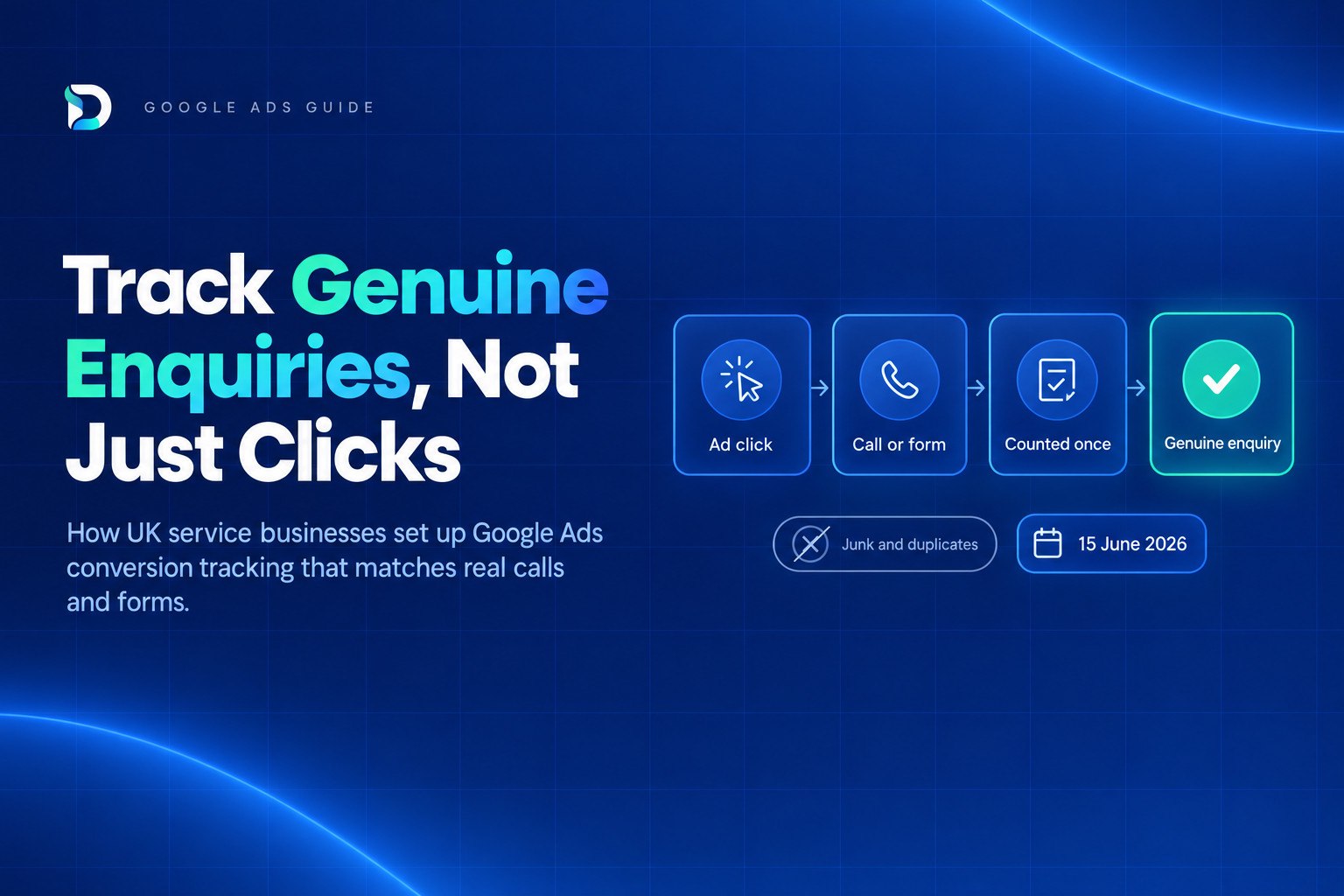
Getting google ads conversion tracking for service businesses right means counting one genuine enquiry once, not every tap, form start and newsletter sign-up Google can detect. Done properly, the Conversions column in your account should be close to the number of real calls and quote requests you received, and in many accounts it isn't.
This guide covers what to count, how to set up call and form tracking, how to stop double counting, how to feed outcomes back to Google, and how UK consent rules affect the numbers you see.
The short answer: Google Ads conversion tracking for service businesses
Decide what counts as one genuine enquiry before you touch any tags. Make only completed forms and real calls (above a minimum length) your primary conversions, and keep taps, form starts and other micro-actions as secondary. Where you can, send qualified outcomes back to Google so it learns from real enquiries rather than raw submissions. Then check the account's numbers against your own record of enquiries every month.
Why a Google Ads conversion is not the same as an enquiry
The Conversions column only counts actions marked as primary. Whatever sits in that column is what Google reports, and if you use Smart Bidding, it is also what Google optimises towards. If the definition is loose, the account learns to chase the wrong thing.
These are common problems in service business accounts:
- Taps counted as calls. A tap on a phone number on mobile is a click. The person may hang up before it connects, or never speak to anyone.
- One enquiry counted twice. Someone fills in your form, then rings to check you got it. That is one enquiry, but the account may show two conversions.
- Mixed-value actions. Newsletter sign-ups, brochure downloads and quote requests all sitting in the same column, all treated as equal.
- Spam and wrong numbers. Bot submissions, sales calls and people looking for a different business all count as conversions unless something filters them out.
None of this means the platform is broken. It means the platform is counting exactly what you told it to count. This is the same trap as vanity metrics: a big number that feels like progress but can't be tied to work you actually won. If you want the wider picture on judging lead quality, read our guide on how to know if your leads are genuine.
Decide what counts before you touch any tags
Start with a one-line definition of a genuine enquiry for your business. For example: a real person, in an area you cover, asking about a service you offer. Write it down. It becomes the test for every conversion action you create.
Then list the actions that qualify and the ones that don't:
| Action | Track it? | Primary or secondary |
|---|---|---|
| Completed quote or contact form | Yes | Primary |
| Call of a minimum length you choose | Yes | Primary |
| Online booking completed | Yes | Primary |
| Tap on a phone number (mobile) | Yes, for insight | Secondary |
| Form started but not submitted | Optional | Secondary |
| Click on email address | Optional | Secondary |
| Newsletter sign-up | Yes, if useful | Secondary |
| Page views, scrolls, time on site | No | Not a conversion |
The minimum call length depends on your trade. A plumber taking emergency call-outs might count a short call, while a solicitor might want a longer one before it counts as a real conversation. Pick a threshold that filters wrong numbers and hang-ups without throwing away genuine short enquiries, and review it after a few weeks of data.
How to set up Google Ads conversion tracking for service businesses: calls and forms
There are three call routes and one form route. Most service businesses need at least two of them.
Phone calls
Calls from ads. If you use call assets or call-only ads, Google can report calls made directly from the ad. This is the simplest route, but it only covers people who call from the ad itself.
Calls from your website number. Tracking calls to a number on your website needs a conversion tag plus a phone snippet that swaps your business number for a Google forwarding number. Someone must be able to edit the website, so check access before you plan the work. Google's guide to tracking calls to a phone number on a website covers the steps.
Calls from your Business Profile. Calls from a Business Profile can be reported as "Calls from ads" if your Google Ads account is linked to the profile and call history is turned on, as explained in Google's page on measuring calls from ads. Check the link and the call history setting rather than assuming they are on.
One warning: tap-to-call tracking records clicks, not calls. If that action is primary, you are counting intent, not conversations. For a fuller comparison of options, see our guide to call tracking for service businesses.
Form submissions
Google Analytics has a built-in form_submit event, but for a lead form that matters to your business, create an event for the specific form and then mark that new event as a key event. That gives you a clean signal tied to one form, not every form on the site.
From there, you have two routes into Google Ads:
- Import the GA4 key event into Google Ads as a conversion.
- Create the conversion directly in Google Ads using the Google tag, firing on the form's thank-you page or submit event.
Either can work. The important rule is to pick one route per action. Using both for the same form is a common source of duplicates. If your site shows a distinct thank-you page after a genuine submission, firing on that page is often more reliable than a generic click listener, because it only fires when the form has gone through.
Test every form yourself. Submit a real test enquiry, check it appears once in the account's conversion reporting, then delete or label the test in your own records.
Stop double counting and noise: primary vs secondary conversions
Primary conversions feed the Conversions column and are used for bidding. Secondary conversions are for observation only: you can see them in reporting, but they don't steer optimisation or inflate your headline number. That distinction is your main defence against noise.
Here are typical ways accounts get inflated by accident:
- Two events for one enquiry. A form fires both form_submit and generate_lead, and both are marked as key events and imported as primary. One enquiry shows as two.
- Form plus thank-you page. A page-view conversion on the thank-you page and an event-based conversion on the same form, both primary.
- Overlap between GA4 and the Google tag. The same action created in both places and both active.
- Micro-actions promoted to primary. Phone taps, email clicks and form starts all sitting alongside completed enquiries.
The fix is a short list. For most service businesses, two to three primary actions is plenty: completed form, qualifying call, and booking if you offer one. Everything else goes secondary.
Once a month, open the conversion goals summary in your account and check three things: which actions are primary, how many conversions each produced, and whether any action produces suspiciously similar volumes to another. Matching numbers often mean the same enquiry is being counted twice. It is a quick check that catches many "google ads duplicate conversions" problems.
Count genuine enquiries: enhanced conversions for leads and offline outcomes
A completed form is still not proof of a genuine enquiry. This is where feeding outcomes back matters.
Enhanced conversions for leads let you send Google the contact details a lead gave you (in hashed form) so that later outcomes, such as a qualified lead or a won job, can be matched to the original ad click. Google's best practice is to choose either qualified lead or converted lead as the conversion goal when you set it up. Pick the one you can report on reliably.
There is a timing point to be aware of. From 15 June 2026, offline conversion import and enhanced conversions for leads uploads were migrated to the Data Manager API and blocked in the Google Ads API. If a CRM connector, agency script or older integration uploads your outcomes, ask whoever runs it to confirm it uses the supported route.
You do not need a CRM to start. Many small firms begin with a simple weekly log:
- Record every enquiry, with date, source if known, and contact details.
- Mark each as genuine or not, using your one-line definition.
- Note whether it became a quote or a job.
- When you are ready, upload the genuine and won outcomes.
Even before any upload, that log is valuable because it gives you something honest to compare the account against. Our guide on how to know if your leads are genuine covers how to judge quality in more detail.
UK consent and tracking gaps: why your numbers may be low
If your Google Ads figures look lower than your real enquiries, consent is a likely cause. In the UK, the ICO is clear that the statistical purposes exception does not apply to purposes related to online advertising, and consent is needed for any use of storage and access technologies for these purposes. In plain English, if a visitor declines cookies, your ad measurement will not see them in the usual way.
That means some real enquiries will never show up as conversions. This is normal, and it is a measurement gap, not a sign that your ads failed.
Two tools can help reduce the gap:
- Consent Mode lets Google tags adjust their behaviour based on the visitor's consent choice, so the platform can use modelling to estimate some of what it cannot observe.
- Enhanced conversions use first-party data you collect, such as an email address on a form, to improve matching where consent allows.
Neither recovers everything, and neither replaces a properly worded consent banner. Treat modelled numbers as estimates and keep your own enquiry log as the reference point. This is general information, not legal advice, so check your set-up with someone qualified. For more on how this affects lead reporting, see cookie consent and lead tracking in the UK.
Check your Google Ads numbers against real enquiries
Once a month, spend 15 minutes on a simple audit.
- Pull the account figure. Note total primary conversions for the month, split by action.
- Count the real thing. Total the calls logged, forms received and enquiries sitting in your inbox or CRM.
- Compare. Is the account higher, lower or roughly level?
- Find the biggest mismatch. If Google Ads shows far more, suspect duplicates, taps or spam. If it shows far fewer, suspect consent loss, a broken tag or a missed call route.
- Fix one thing at a time. Start with the largest gap, then recheck next month.
Remember that each platform tells only part of the story. Google Ads shows what happened after a click, GA4 shows behaviour on your site, Search Console shows organic search visibility, and Business Profile shows calls and direction requests from your listing. None of them, alone, tells you which marketing brought a genuine enquiry.
That is the problem our DRD reporting dashboard is built to solve. It brings Google Ads, Meta Ads, GA4, Search Console and Google Business Profile into one view and connects the data back to enquiries, from £49/month with a 30-day free trial. Whether you use it or a spreadsheet, the principle is the same: judge your marketing on genuine enquiries, not platform totals. For spend context, see what Google Ads costs a UK service business.
Frequently asked questions
Next step
If you would like to see which of your marketing actually brings genuine enquiries, you can start a free 30-day trial of DRD with no card needed. Connect your accounts, compare them with your real enquiries, and fix the biggest gap first.