UTM Tracking for Service Businesses UK: A Practical Guide
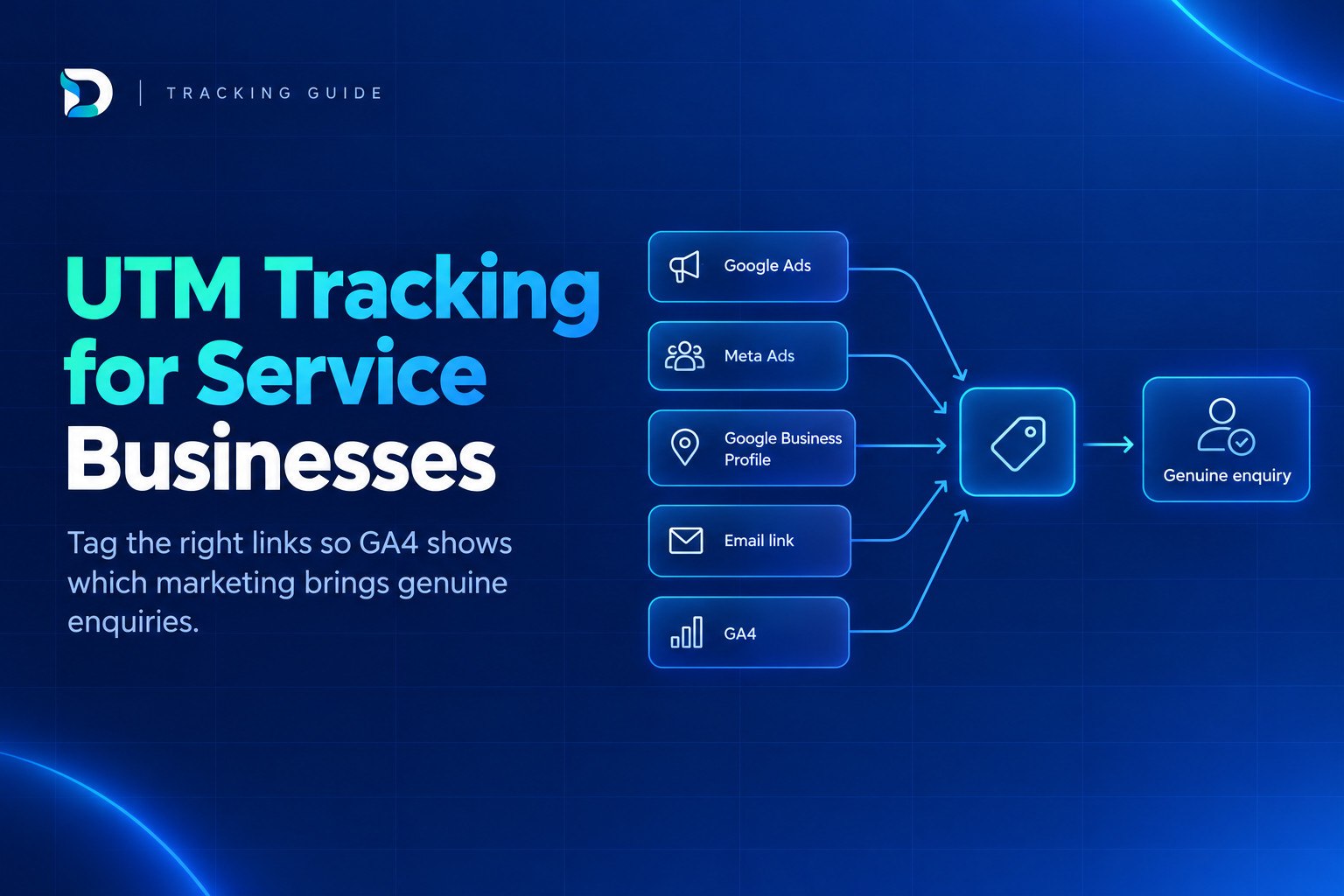
If you want UTM tracking for service businesses in the UK to work, treat it as a labelling system: a short tag on each link tells GA4 where a visitor came from. Tag the links you control, let Google Ads tag its own, and keep the format identical every time. Then connect those labelled visits to real enquiries, because a UTM on its own only records a click.
Most guides stop once you have built a link. This one also covers the problems service firms actually hit: Google Ads auto-tagging, phone and WhatsApp enquiries, your Google Business Profile links and the UK consent rules.
UTM tracking for service businesses at a glance
- A UTM is a label on a link. It tells GA4 the source, medium and campaign behind a click.
- Tag links you control: Meta ads, email, social bios, QR codes, partner listings and your Google Business Profile.
- Don't hand-tag Google Ads. Let auto-tagging do it.
- Use three parameters, always in lowercase:
utm_source,utm_mediumandutm_campaign. - A UTM tracks a visit, not an enquiry. It only helps once form submissions, calls and WhatsApp clicks are tracked as well.
What a UTM tag is and which parameters you need
A UTM tag is a short piece of text added to the end of a web address. When someone clicks, GA4 reads it and files the visit under the source, medium and campaign you chose. Without it, GA4 has to guess from the referrer, and for many clicks there isn't one.
These are the parameters, in plain English:
- utm_source: where the click came from, such as
facebook,newsletterorgoogle. - utm_medium: the type of channel, such as
email,paid_socialororganic. - utm_campaign: the specific push, such as
spring_boiler_service. - utm_content (optional): tells two versions of the same ad or link apart.
- utm_term (optional): mainly used for paid search keywords.
Here is a complete example for a salon promoting a colour offer on Facebook:
https://www.yourbusiness.co.uk/book?utm_source=facebook&utm_medium=paid_social&utm_campaign=spring_colour_offer
You don't need to write these by hand. Google's free Campaign URL Builder assembles the link for you. One rule: never put names, email addresses, phone numbers or any other personal data in a UTM or any URL. URLs get stored in analytics reports, browser histories and server logs, and you can't easily remove them afterwards.
Which links to tag (and which to leave alone)
The rule of thumb is simple. Tag a link when you are the one placing it, and the click would otherwise arrive without clear origin. Leave it alone when something else is already labelling it.
| Link | Tag it? | Suggested values |
|---|---|---|
| Meta ad destination URLs | Yes | facebook / paid_social |
| Email newsletters | Yes | newsletter / email |
| Social bio links (Instagram, TikTok, LinkedIn) | Yes | instagram / social_bio |
| QR codes on vans, flyers and shop windows | Yes | van / qr |
| Google Business Profile website and booking links | Yes | google / organic / gbp |
| Partner and directory listings | Yes | the directory's name / referral |
| Google Ads | No, use auto-tagging | n/a |
| Internal links on your own website | No | n/a |
Tagging internal links is a classic mistake. A UTM on a link between your own pages can overwrite the real source of the visit, so a customer who arrived from Google appears to have come from your own banner.
The Google Business Profile is the one people forget, and for local firms it can be a significant source of clicks. Without a tag, those visits blend in with ordinary Google search traffic. If you add a UTM to the website and booking links, you can see what the profile itself delivers. Our guide to tracking leads from your Google Business Profile covers the whole setup, including calls and direction requests that no UTM can capture.
Google Ads auto-tagging vs UTMs: avoid the common clash
This is where many service firms go wrong. They have read that every link needs UTMs, so they add them to their Google Ads final URLs as well. That is unnecessary at best and confusing at worst.
Google says auto-tagging is on by default for new Google Ads accounts, and that in GA4 auto-tagging takes priority over manual UTM tags because there is no override option. In practice, the question of auto-tagging vs UTM Google Ads tagging is already settled: the auto-tagged values win.
When both are present, GA4 takes source, medium and other traffic classification from the auto-tagged values. Your manual utm_content and utm_term are not wasted, though. They populate the Manual Ad Content and Manual Term dimensions, which can be useful if you want to label ad variants yourself.
So what should you actually do?
- Leave auto-tagging switched on in Google Ads.
- Don't add
utm_source,utm_mediumorutm_campaignto Google Ads links. They won't change the classification. - Don't override or switch off auto-tagging unless you have a specific reason and understand the knock-on effects on reporting.
- Check your tracking template and final URL suffix for stray manual tags, especially in older accounts.
The same applies to UTM tags for Google Ads and Meta Ads side by side: Meta needs your tags, Google Ads doesn't. If you are also setting up conversions in Google Ads, see Google Ads conversion tracking for service businesses, because tagged clicks are only useful if the enquiry at the end is counted.
A simple UTM naming convention you can keep for years
A UTM naming convention is less about cleverness and more about discipline. The single most important rule is lowercase only. Google's own help page uses utm_source=Google and utm_source=google as an example of manual tagging errors, because the two values are treated as different. One careless capital letter splits your reporting in two.
Here is a copy-and-paste sheet to start from:
| Where the link lives | utm_source | utm_medium | utm_campaign (example) |
|---|---|---|---|
| Meta ad | facebook or instagram | paid_social | spring_colour_offer |
| Email newsletter | newsletter | email | march_news |
| Google Business Profile website link | google | organic | gbp_website |
| Google Business Profile booking link | google | organic | gbp_booking |
| QR code on van | van | qr | fleet_2026 |
| Flyer drop | flyer | print | postcode_drop_may |
Some practical rules to go with it:
- Use underscores or hyphens, never spaces, and pick one style.
- Keep campaign names short and descriptive, with no dates unless the campaign is genuinely time-limited.
- Reuse the same
utm_mediumvalues everywhere. Five different spellings of email is five different problems. - Nominate one owner and keep one shared spreadsheet. Whoever builds a link adds it to the sheet.
How GA4 groups traffic, and what Direct really means
GA4 sorts sessions into channels using rules based on source and medium. If your medium matches a recognised pattern, such as email or paid_social, the visit lands in a sensible channel. If it doesn't match any rule, it can end up in Unassigned. Unassigned usually means source data arrived but matched no channel rule. A custom medium like qr may fall into this bucket, which is fine as long as you know to read the Session source / medium report as well.
Direct is different. GA4 labels a session Direct only when the source is exactly (direct) and the medium is (none) or (not set), meaning no referrer and no campaign tags reached Analytics. Direct is not "people who typed your address in". It is a pile of visits GA4 couldn't explain, and that is why untagged links inflate it. If you want to understand why GA4 direct traffic UTM tagging matters, this is the reason: every link you tag moves visits out of that pile and into a named source.
From tagged visits to genuine enquiries
Here is the point most UTM guides skip. A tagged visit is still just a visit. A salon might see a great deal of traffic from an Instagram bio link and not a single booking. A plumber might see a quiet email campaign that produces three boiler enquiries. Sessions alone would send you in the wrong direction.
To use UTMs to track enquiries, you need the other half of the chain:
- Form submissions: track the thank-you page or form event as a conversion in GA4. GA4 then shows which source and campaign each form came from.
- Phone calls: UTMs can't follow a call off the website. Track clicks on your phone number, and consider tracked numbers if calls are your main enquiry route.
- WhatsApp: track clicks on your WhatsApp button as an event. That shows you intent to chat, though not what happened next.
- A "How did you hear about us?" field: on forms and in the first phone call. It is low-tech and catches what the tags miss, such as word of mouth or a van that someone remembered.
It is easy to cut a channel because its sessions look weak, when it is quietly producing your best phone enquiries. The signal worth acting on is the reverse case: a source with plenty of sessions and no qualified enquiries. That is where money and time leak away.
Dashient's DRD is built for this. It brings Google Ads, Meta Ads, GA4, Search Console and Google Business Profile into one view and connects the data back to enquiries, so you can see which tagged source produced real leads rather than just traffic. If you want the wider picture, read how to know where your leads are coming from.
UTM tracking and UK cookie consent: what changed in 2026
A UTM is only a label on a URL. It doesn't set a cookie or identify anyone. But what GA4 records after the click can depend on the consent choice your visitor made, so the two are linked in practice.
The key changes, in plain English:
- The Data (Use and Access) Act cookie changes took effect on 5 February 2026, alongside new PECR enforcement powers and higher maximum fines of £17.5 million or 4% of annual global turnover.
- The Act added some low-risk statistical (analytics) exceptions. The ICO published its final guidance on storage and access technologies on 29 April 2026.
- Advertising and profiling that involve non-exempt storage or access still need consent.
What this means for you: don't assume your analytics set-up is exempt without checking it, and expect some visits to go unrecorded if visitors decline. This is not legal advice. For how consent affects what you can measure, see our article on cookie consent and lead tracking in the UK, and speak to a qualified adviser about your own situation.
Common UTM mistakes and a 10-minute audit
Run through this checklist once a quarter. It takes about ten minutes.
- Mixed-case values. Look for
Facebookandfacebookas separate rows. - Redirects that strip parameters. Click a tagged link yourself and check the UTM survives in the address bar after the page loads.
- UTMs on internal links. Remove them from banners, buttons and menus on your own site.
- UTMs on Google Ads links. Take them off and rely on auto-tagging.
- No calls or WhatsApp tracked. If these are major enquiry routes, you are only seeing part of the picture.
- High Direct or Unassigned share. This usually means untagged links or mismatched mediums.
To check the last one, open GA4 and go to Reports > Acquisition > Traffic acquisition. Look at the share of sessions in Direct and Unassigned, then switch the primary dimension to Session source / medium to see exactly which values are appearing. Anything misspelt or oddly capitalised is a fix for your naming sheet.
If you would rather see it in practice, the DRD trial shows which sources bring genuine enquiries, not just visits.
Frequently asked questions
Next Step: See Which Tagged Source Brings Real Enquiries
Tagging links is the easy part. The value comes from seeing which labelled source leads to a genuine enquiry. The DRD reporting dashboard starts from £49/month, and you can start your free 30-day trial with no card needed.