How to Know Where Your Leads Are Coming From (Without Guessing)
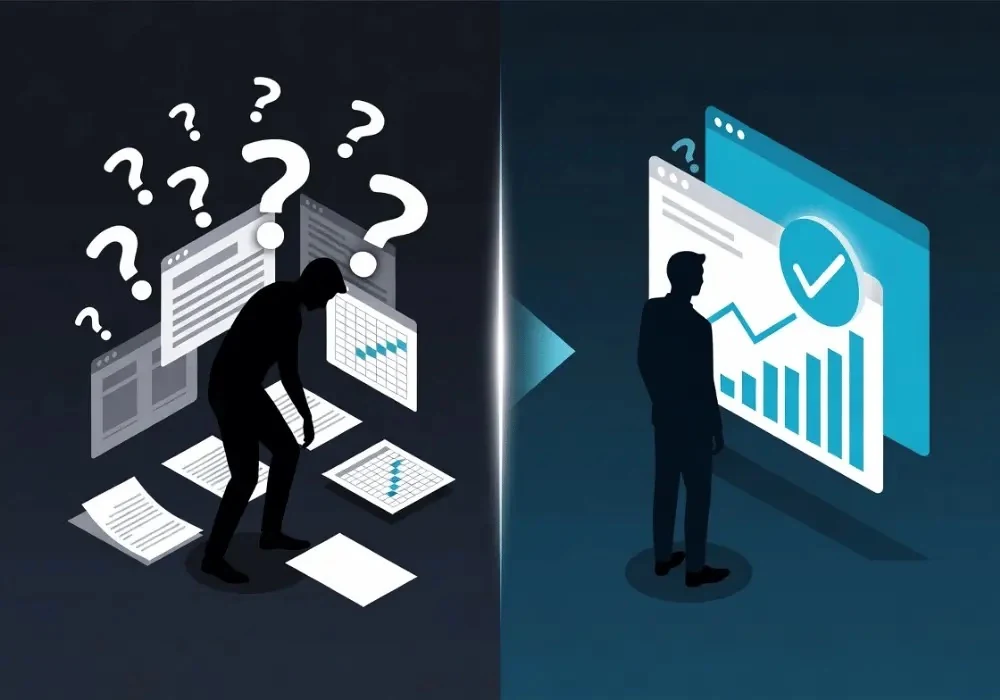
New enquiries land in your inbox and on your phone every week — but ask most business owners exactly where each one came from, and you'll get a shrug. "Probably Google, I think?" isn't an answer; it's a guess. And guessing about your leads means guessing about your marketing budget too.
If you're running Google Ads, Meta Ads, organic SEO and a Google Business Profile, most potential customers will touch more than one channel before they ever call. With no tracking in place, there's no concrete way of knowing which one actually produced the lead. This guide walks through exactly how to track where your leads are coming from, channel by channel, and how to stop relying on guesswork for good.
Why "I Think It's Google" Isn't Good Enough
Most website analytics tools use "last-click" reporting by default. That means whichever channel a visitor clicked immediately before converting gets 100% of the credit — even if that same person first found you through a Facebook ad three weeks earlier, or searched your business name after seeing your Google Business Profile.
This gives you an inaccurate picture. The channels that close the sale — branded search, Google Business Profile — look like the stars, while the channels that got the customer interested in the first place (the paid ad, the blog post, the review they read) go completely unnoticed. Over time, that leads businesses to slash the budgets of their most productive channels.
The Five Channels Every UK Business Should Be Tracking
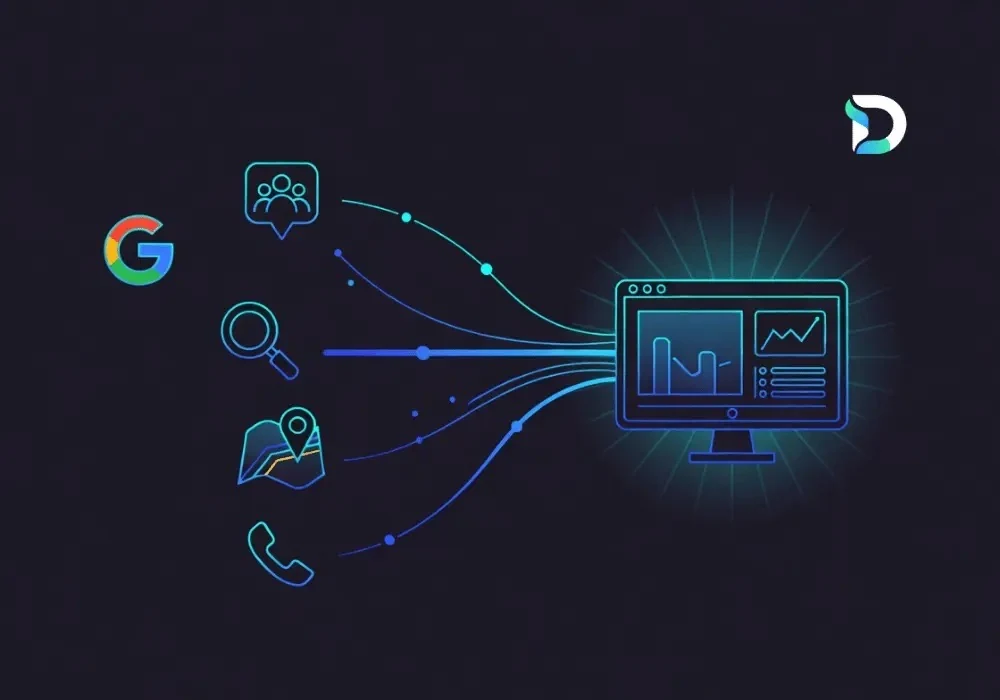
Before you can fix your attribution, you need to know what you're actually tracking. Most UK service businesses generate enquiries from a combination of these five sources:
- Google Ads — paid search campaigns.
- Meta Ads — Facebook and Instagram campaigns.
- Organic search (GA4 / Search Console) — unpaid Google rankings.
- Google Business Profile (GBP) — map pack calls, direction requests, website clicks.
- Phone calls — often the final step, regardless of which channel started the journey.
Each of these needs to be tracked individually before you can see the full, blended picture.
How to Track Leads From Google Ads
Google Ads comes with conversion tracking built in, but it won't tell the whole story if it isn't implemented correctly. First, tag all landing page URLs with UTM parameters (utm_source=google, utm_medium=cpc), and link the Google Ads account to Google Analytics 4 so form submissions and phone calls are tracked as conversions, not just clicks. If phone calls are your main source of enquiries, put a call-tracking phone number on your Google Ads landing pages.
How to Track Leads From Meta (Facebook) Ads
Set up the Meta Pixel on your website and add UTM parameters (utm_source=facebook, utm_medium=paid_social) to every link in each ad. If you're running Meta Lead Ads (the forms that open inside Facebook or Instagram without leaving the app), make sure those leads feed into the same tracking as your website leads — otherwise they stay hidden inside Meta's own dashboard.
How to Know If a Lead Came From Google Business Profile
Your Google Business Profile insights show calls, direction requests and website clicks — but those numbers live inside GBP itself, separate from your other analytics. To connect them to real enquiries, use a dedicated tracking phone number on your GBP listing (different from the one on your website and Google Ads), and tag your GBP website link with its own UTM parameters (utm_source=gbp, utm_medium=organic).
Don't Forget Organic Search and Phone Call Leads
Google Search Console shows which queries and pages bring in organic clicks, but it won't tell you which of those visitors actually became a customer — that link has to be made in GA4 by tracking form submissions and click-to-call events. And for phone leads generally, call-tracking software that assigns a unique number per channel is the only reliable way to know which source picked up the phone, since a caller rarely tells you which ad they saw.
The Manual Way vs Using a Lead Attribution Tool
You can do all of the above manually: UTM parameters in a spreadsheet, GA4 reports exported weekly, GBP insights checked separately, call-tracking numbers logged by hand. It works, technically. But it's slow, it's easy to get wrong, and it still leaves you stitching five separate reports together every time you want one honest answer to "which channel is actually working?"
This is exactly the gap a dedicated lead attribution tool is built to close — pulling every source into one place automatically, instead of you doing it by hand every month.
How the Dashient Reporting Dashboard Solves This
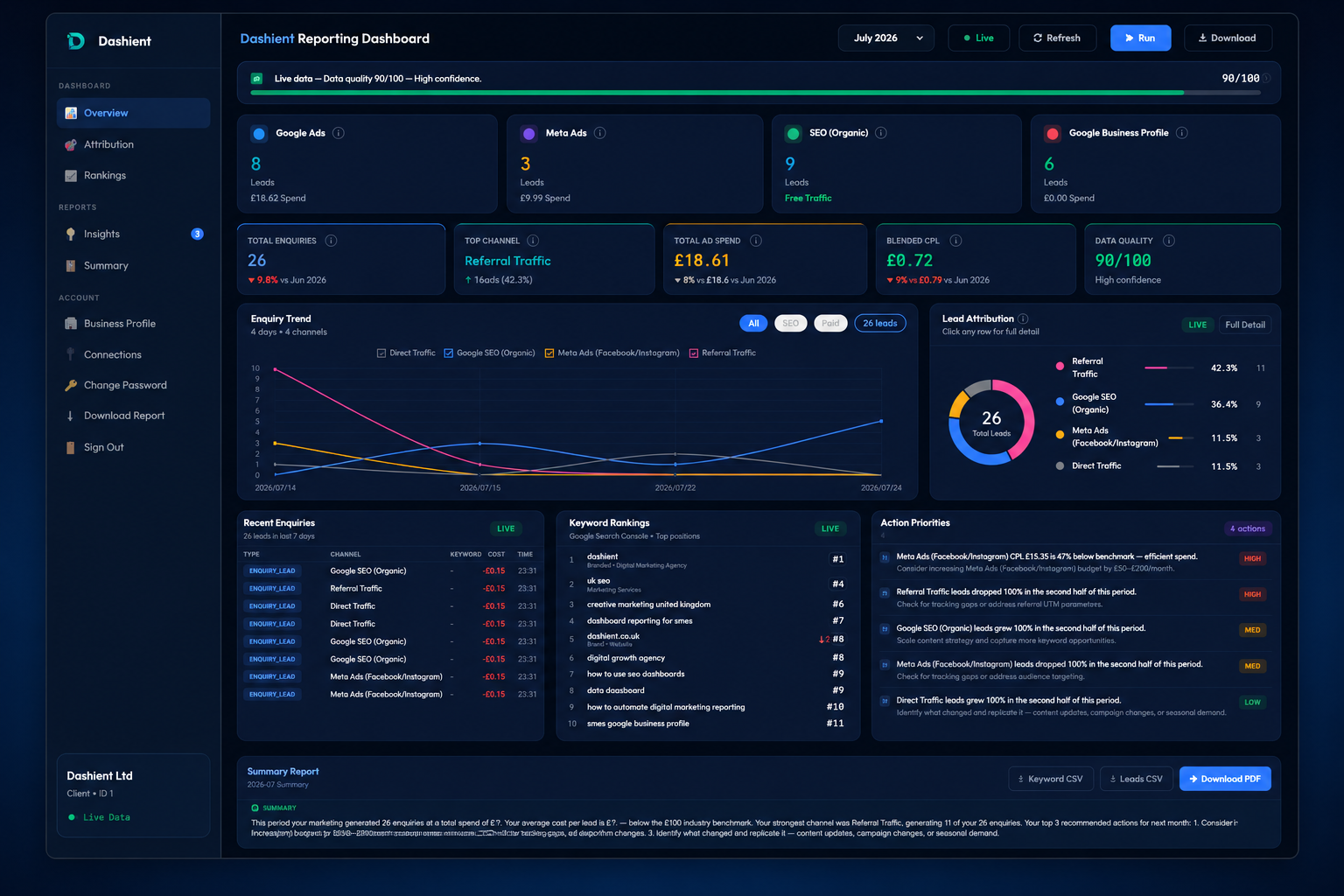
The Dashient Reporting Dashboard (DRD) pulls Google Ads, Meta Ads, GA4, Search Console and Google Business Profile into a single dashboard, and ties every one of those five sources back to your real enquiries — calls, form submissions, bookings. Instead of five separate reports, you get one honest number: blended cost-per-enquiry, by channel. No more guessing. No more last-click bias. No more reports that only show the metrics that flatter whoever wrote them.
Specifically, DRD shows you:
- Which of your five channels is genuinely producing enquiries, and which is simply riding on the credit of another.
- Your true cost-per-enquiry, blended across every channel — not a misleading per-platform CPC.
- Enough clarity to make a confident 30% budget cut or a confident 30% budget increase, instead of a guess.
DRD isn't only for local trades. The attribution problem it solves — five disconnected channels, no single source of truth, last-click reporting hiding the real picture — affects every UK SME running paid and organic marketing together: ecommerce, SaaS, clinics, professional services and multi-location retailers included. If you're spending money to be found on Google and Meta and can't confidently say which channel is actually paying for itself, this is exactly the problem DRD is built to solve.
Pair Tracking With Smarter Ad Spend
Tracking where your leads come from is only half the job — the other half is acting on it. Once you can see which channel is genuinely driving enquiries, that data should directly shape where your ad budget goes next. Dashient's PPC management service uses the same attribution data from your dashboard to manage and optimise your Google Ads and Meta Ads campaigns, so budget moves toward what's actually working instead of what simply looks good in a single-platform report.
Frequently asked questions
Final Thoughts
Where your leads are coming from shouldn't take a spreadsheet, five separate logins and an act of faith. Track each channel properly — Google Ads, Meta Ads, organic search, Google Business Profile and phone calls — and tie it all together so you're measuring true enquiries, not just clicks.
If you'd rather not build and maintain that tracking manually, that's exactly what the Dashient Reporting Dashboard is for: one live view of which channel is really driving your business, so every marketing decision after that is based on evidence, not a guess.
Book your free marketing audit and we'll show you exactly where your leads are coming from.