Lead Attribution Software vs CRM: Do You Need Both?
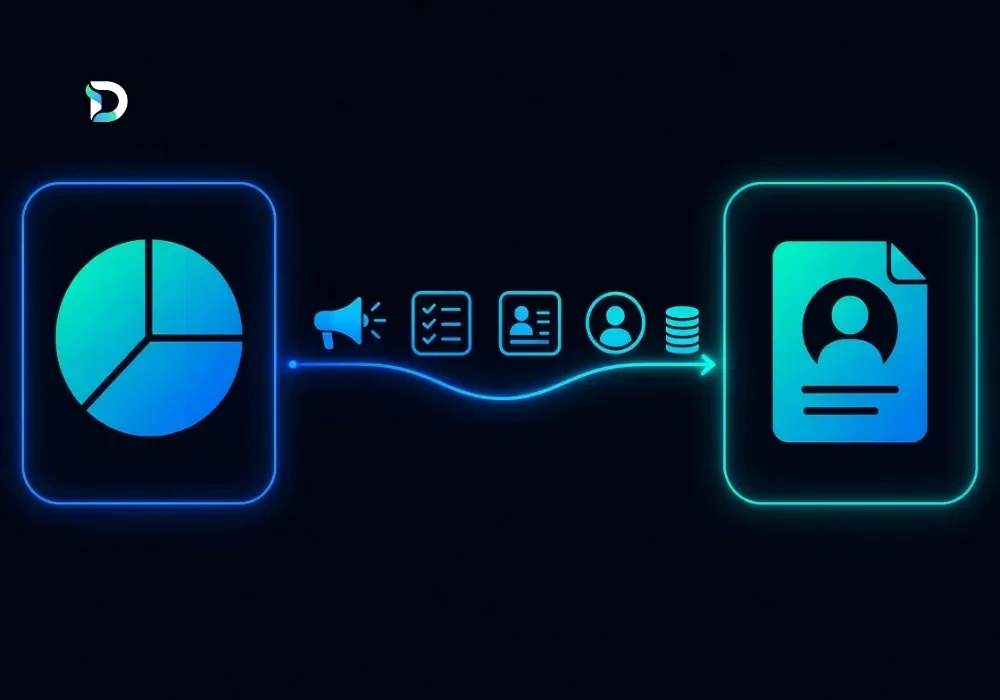
Lead attribution software and a CRM do two different jobs. Lead attribution software shows which marketing sources bring in your enquiries, such as Google Ads, Meta Ads or SEO. A CRM manages those leads once they arrive, from the first call to the final sale. Some tools do both, so you may not need two products. This guide explains lead attribution software vs CRM in plain English.
What Is Lead Attribution Software?
Lead attribution software helps you track where your leads come from. It records the source, the campaign and, in some tools, the path a person took before they got in touch.
Here's a simple example. Someone sees your Meta ad, searches for your business on Google two days later, then rings you from your Google Business Profile. Good attribution shows that whole journey, not just the last click. See our guide to marketing attribution models.
This is different from basic traffic analytics. Analytics shows how many people visited your site; attribution connects real enquiries to the marketing that helped win them.
What Is CRM Software?
A CRM (customer relationship management software) stores your contacts and tracks every lead through your sales pipeline. It helps your team decide who to call next and which leads are qualified. For more on this stage, read our lead nurture funnel guide.
Lead Attribution Software vs CRM: Key Differences
| Area | Lead attribution software | CRM software |
|---|---|---|
| Main purpose | Shows which marketing sources drive enquiries | Manages leads, contacts and sales |
| Typical data | Source, medium, campaign, touchpoints | Contacts, notes, tasks, deal stages |
| Key question | Which marketing brought this enquiry? | What's happening with this lead? |
| Reporting | Channel performance and cost per enquiry | Pipeline, follow-ups and sales activity |
| Main limit | Relies on good tracking and clean data | Source features vary by product |
Can a CRM Track Where Your Leads Come From?
Sometimes. Many CRMs have a lead source field, but it's often typed in by hand or only captures the last visit. That's why leads can appear as "unknown" or "direct". Source data also goes missing when UTM tags are absent, integrations are disconnected or phone calls aren't tracked.
Can Lead Attribution Software Replace a CRM?
In most cases, no. Attribution measures marketing; a CRM runs your sales work, such as follow-ups and pipeline stages. Some platforms overlap, but the jobs differ.
Do UK Service Businesses Need Both?
It depends. A CRM may be enough if you use one or two channels and get few enquiries. Extra attribution reporting helps when you spend across several channels and want to know which ones bring qualified leads. Connecting both makes sense when you want marketing source, sales outcome and cost per qualified lead in one view — and your data is reliable. Consider your enquiry volume, channels and budget.
How a CRM and Attribution Software Work Together
Think of one journey: marketing channel, website, enquiry, CRM record, qualified lead, client, revenue. Attribution captures the original source; the CRM records what happens next. Joined together, they show which channels bring clients, not just enquiries — so track leads, qualified leads, clients and revenue separately.
What Should You Track in a Combined Reporting Dashboard?
- Enquiries and qualified leads by source.
- Cost per lead and cost per qualified lead (spend divided by qualified leads).
- Opportunities, clients and revenue, where reliably recorded.
Common Tracking Mistakes
- Missing UTM tags and inconsistent source names.
- Duplicate leads and untracked phone calls.
- Treating every enquiry as a qualified lead.
How the Dashient Reporting Dashboard Helps
The Dashient Reporting Dashboard is a lead attribution and marketing reporting tool built for UK service businesses. It brings Google Ads, Meta Ads, GA4, Search Console and Google Business Profile into one connected view of your enquiries by channel.
It works alongside your CRM rather than replacing it. The Professional plan adds multi-touch attribution, so you can see which channels start your leads and which close them. See how Dashient works or compare the dashboard plans.
Want the work done for you? Dashient also offers local SEO, wider SEO services and Google and Meta Ads management, all tied to the same enquiry data.
Plans start at £49 a month plus VAT, with a 30-day free trial and no card required. Start your free trial, or sign in if you already have an account.
Frequently asked questions
Final Thoughts
A CRM helps you manage leads and sales. Lead attribution software helps you see which marketing brings them. You don't always need both, but connecting them is useful when you want a clear view from first click to client.
Ready to see where your enquiries really come from? Start a free trial, or book your free growth audit. You can also follow Dashient on Facebook and LinkedIn.